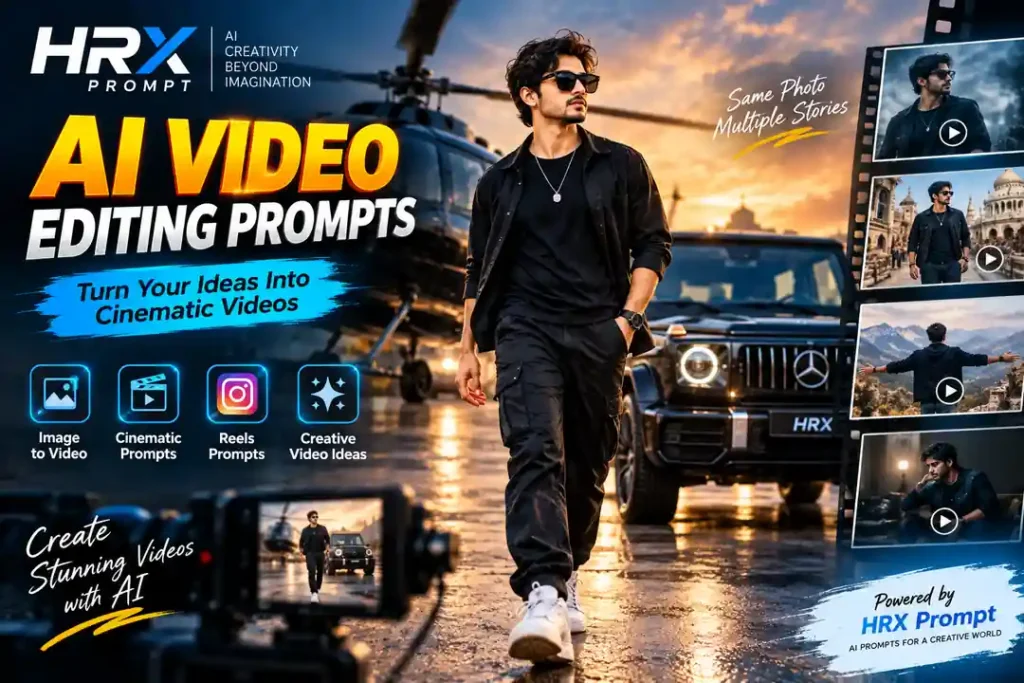
Aaj ke time mein AI video editing prompts ki demand kaafi badh rahi hai. Instagram Reels, YouTube Shorts aur social media par cinematic videos, creative transitions aur AI-generated scenes logon ko attract kar rahe hain. Ab users bina professional video editing skills ke bhi AI tools ki help se unique videos create kar sakte hain.
Agar aap apni photo ko ek cinematic video mein convert karna chahte hain, toh ek detailed AI video editing prompt aapke kaam ko kaafi easy bana sakta hai. Is article mein hum kuch creative AI video prompts share karenge, jinhe aap apne requirements ke according use kar sakte hain.
What Is an AI Video Editing Prompt?
AI video editing prompt ek detailed instruction hota hai, jise AI video generation ya image-to-video tools mein use kiya jata hai. Is prompt mein aap camera movement, subject action, lighting, background, video style aur overall atmosphere ke baare mein batate hain.
Simple words mein, prompt AI tool ko samjhata hai ki aap kis tarah ka video create karna chahte hain.
For example, agar aap ek normal portrait photo ko cinematic walking video mein convert karna chahte hain, toh prompt mein walking movement, camera angle, lighting aur background motion describe kar sakte hain.
Note: AI-generated video ka result tool, reference image aur prompt quality par depend karta hai. Har prompt se identical result ki guarantee nahi hoti.
1. Cinematic Walking AI Video Prompt
Agar aap apni photo se ek cinematic walking video banana chahte hain, toh yeh prompt try kar sakte hain.
AI Video Prompt:
Create a cinematic video using the uploaded image as the primary character reference. Preserve the person’s facial identity, hairstyle, clothing, body proportions and overall appearance. Show the person walking slowly and confidently toward the camera in a realistic outdoor environment. Use smooth camera movement, natural body motion and subtle wind affecting the clothing. The camera gradually moves backward while maintaining focus on the subject. Add soft cinematic lighting, realistic shadows, natural background depth and professional film-style color grading. The movement should feel natural, detailed and visually engaging. Avoid facial distortion, extra fingers, unnatural body movements and sudden changes in identity.
Yeh prompt cinematic walking scenes ke liye useful ho sakta hai. Aap background ko city street, garden ya open field ke according customize kar sakte hain.
2. Slow Motion Cinematic AI Video Prompt
Slow-motion videos social media par ek dramatic visual effect create kar sakte hain. Agar aap apni photo mein slow-motion movement add karna chahte hain, toh yeh prompt use kar sakte hain.
AI Video Prompt:
Turn the uploaded image into a realistic cinematic slow-motion video. Keep the subject’s face, hairstyle, clothing and identity consistent throughout the scene. Show the person making a subtle natural movement while the camera slowly moves closer. Capture realistic fabric movement, gentle wind and soft environmental motion. Use a shallow depth of field, cinematic lighting and a professional film aesthetic. The video should feel emotional, smooth and visually polished, with realistic motion and natural facial expressions. Avoid excessive artificial effects, face changes and unnatural animation.
Slow-motion effect ka result source image aur AI tool ki motion capabilities par depend karega.
3. Luxury Car Entry AI Video Prompt
Luxury car entry videos AI editing mein popular creative concepts mein se ek hain. Is prompt ki help se aap ek stylish car-entry scene create karne ki koshish kar sakte hain.
AI Video Prompt:
Create a realistic cinematic luxury car entry video using the uploaded image as the main character reference. Preserve the subject’s original face, hairstyle, clothing and physical appearance. Show the person standing beside a premium luxury car in an elegant urban environment. The car headlights turn on gradually as the subject walks toward the vehicle with natural confidence. Use a smooth tracking camera movement, realistic reflections on the car body and dramatic but natural evening lighting. Add subtle atmospheric depth, detailed textures and professional cinematic color grading. Maintain consistent character identity and realistic body movement throughout the video.
Aap car ka model, location aur time of day apni preference ke according change kar sakte hain.
4. AI Video Prompt for Instagram Reels
Instagram Reels ke liye short, visually engaging scenes create karne ke liye aap is type ka prompt use kar sakte hain.
AI Video Prompt:
Create a visually engaging vertical video using the uploaded image as the main character reference. Preserve the person’s identity, facial features, hairstyle and original outfit. Show a natural and confident pose transitioning into a subtle movement suitable for a cinematic social media reel. Use a smooth camera push-in, realistic lighting and a visually appealing background. Add gentle environmental motion, professional framing and a polished cinematic look. Keep the subject in focus and maintain consistent facial details throughout the sequence. The final video should look na tural, modern and suitable for a short-form vertical video.
Instagram ke liye 9:16 aspect ratio select karna useful ho sakta hai, agar aapka AI tool is option ko support karta hai.
5. Dramatic Hero Entry AI Video Prompt
Agar aap apni photo ko movie-style hero entry video mein convert karna chahte hain, toh yeh prompt try kar sakte hain.
AI Video Prompt:
Generate a cinematic hero-entry video using the uploaded image as the primary identity reference. Keep the person’s face, hairstyle, outfit and body proportions consistent. Show the subject walking forward with a confident and natural expression in a dramatic outdoor setting. Use a low-angle camera shot that gradually moves forward, creating a strong cinematic perspective. Add subtle atmospheric haze, realistic environmental movement and carefully balanced dramatic lighting. The subject should move naturally with realistic steps and body posture. Maintain facial consistency, realistic proportions and smooth motion throughout the video. Avoid exaggerated movements, facial distortions and artificial-looking effects.
Yeh prompt cinematic reels aur dramatic character-introduction scenes ke liye customize kiya ja sakta hai.
How to Use AI Video Editing Prompts?
AI video prompt ka use karna kaafi simple hai, lekin har tool ka process alag ho sakta hai.
Step 1: Apni Photo Select Karein
Sabse pehle ek clear photo choose karein. Agar aap character identity preserve karna chahte hain, toh face clearly visible hona helpful rahega.
Step 2: AI Video Tool Open Karein
Aisa AI tool select karein jo image-to-video generation support karta ho. Tool mein image upload aur prompt input ke options check karein.
Step 3: Prompt Copy Karein
Upar diye gaye prompts mein se apni requirement ke according ek prompt choose karein. Usmein location, movement, clothing ya camera angle customize kar sakte hain.
Step 4: Video Generate Karein
Image upload karne ke baad prompt enter karein aur available settings ke according video generate karein.
Step 5: Result Check Karein
Video generate hone ke baad face consistency, hand movement, background changes aur overall realism check karein. Agar result sahi nahi hai, toh prompt ko aur specific banakar dobara try kar sakte hain.
Tips for Better AI Video Results
AI video generation mein sirf long prompt likhna enough nahi hota. Clear instructions aur suitable reference image ka combination zyada important hai.
Kuch useful tips:
- Clear aur high-quality reference image use karein.
- Camera movement ko specific rakhein.
- Ek hi prompt mein bahut saare complex actions na bhar dein.
- Face aur clothing consistency ko explicitly mention karein.
- Realistic motion ke liye natural movements describe karein.
- Tool ki supported duration aur aspect ratio settings check karein.
- Generated video ko publish karne se pehle quality aur privacy concerns check karein.
Conclusion
AI video editing prompts ki help se aap creative cinematic scenes, walking videos, luxury car entries aur social media reels ke liye ideas explore kar sakte hain. Sahi reference image, clear instructions aur repeated testing se aap apne desired visual style ke kareeb pahunch sakte hain.
Agar aap AI image-to-video editing seekhna chahte hain, toh alag-alag camera movements aur cinematic styles ke saath experimentation karein. Har AI tool ka output alag ho sakta hai, isliye ek prompt ko different settings ke saath test karna useful rahega.
HRX Prompt par aapko aur bhi AI Image Prompts, AI Video Prompts aur creative editing ideas mil sakte hain.