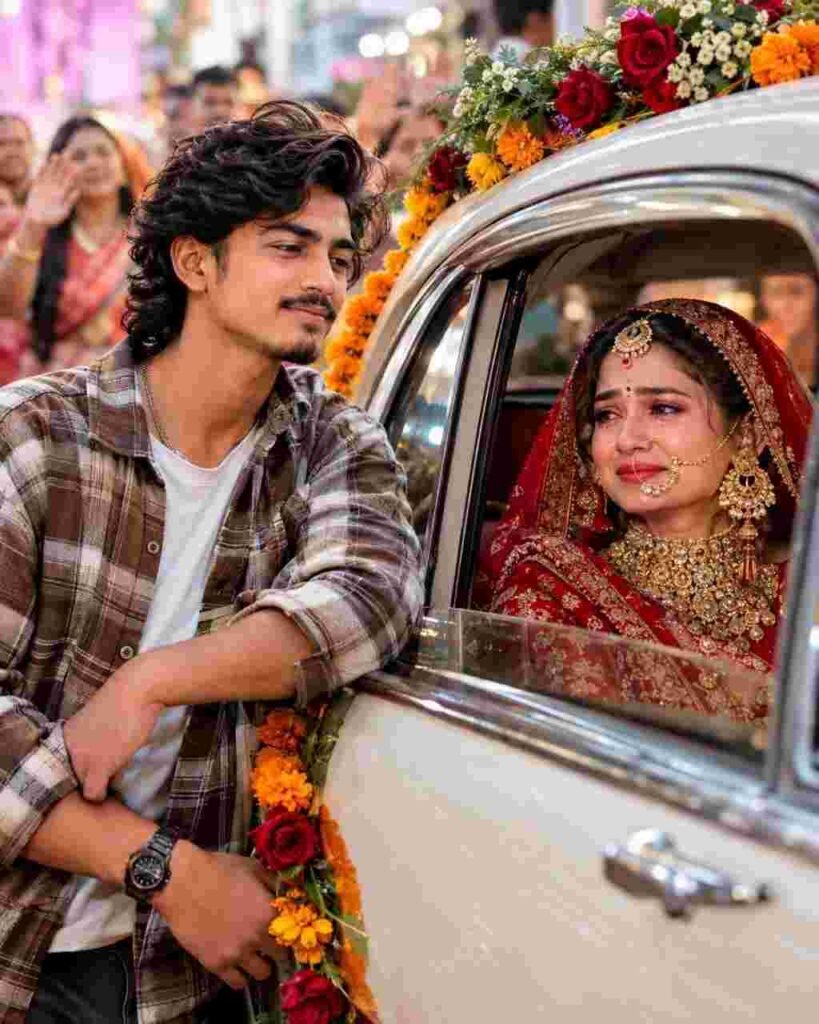
Want to create a cinematic Kashful highway video with a dreamy autumn atmosphere, beautiful white Kash flowers, and a realistic Indian road scene? With the right Kashful Highway AI Video Prompt for Flow AI, you can turn a simple idea or reference image into a stunning cinematic video that looks like it was filmed on a professional camera.
The Kashful Highway aesthetic is perfect for nature lovers, cinematic reels, travel edits, and short videos for Instagram, YouTube Shorts, and Facebook Reels. The combination of a long highway, white Kash flowers swaying in the breeze, natural sunlight, and smooth camera movement creates a peaceful yet visually captivating scene.
In this guide, you will find a detailed Flow AI video prompt, instructions for generating your video, tips for achieving realistic results, and creative ideas for making your Kashful Highway video stand out on social media.
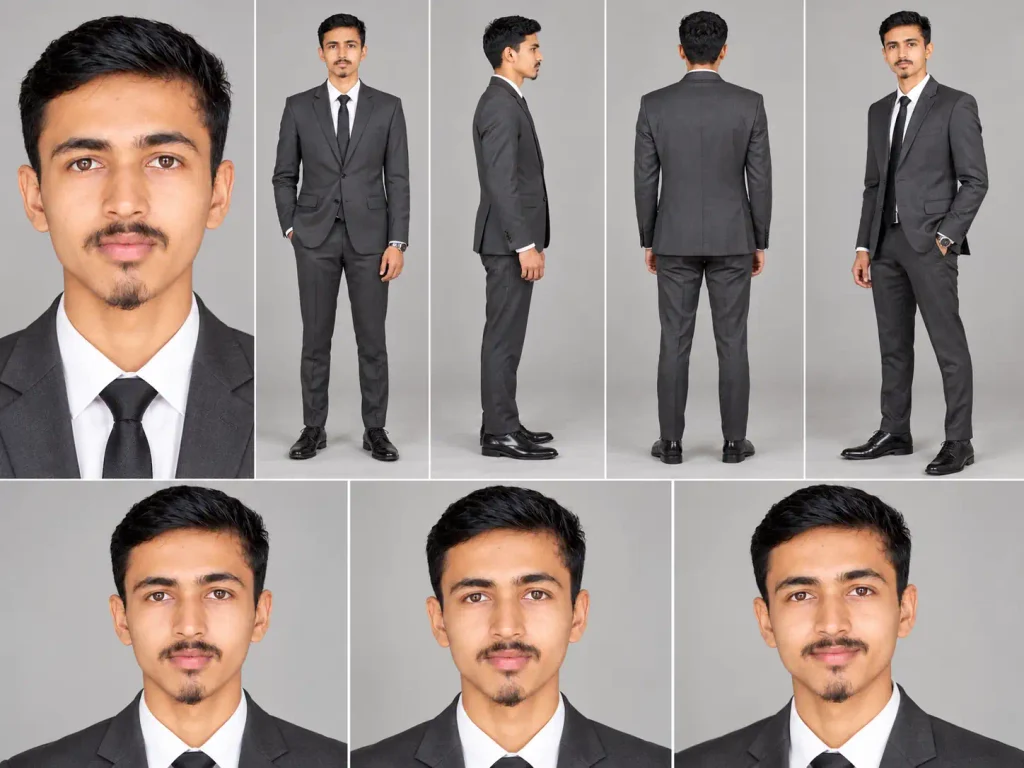
How To Generate Refrence Image ?
- Step 1 : Open ChatGpt
- Step 2 : Upload Your Image
- Step 3 : Paste This Prompt
What Is the Kashful Highway AI Video Trend?
Kashful Highway videos combine the beauty of a road surrounded by blooming white Kash flowers with cinematic camera movement and a natural, atmospheric color grade. Kash flowers are commonly associated with the arrival of autumn in parts of eastern India and are especially recognizable in the landscapes of Bengal.
The visual appeal comes from the contrast between the soft white flowers, green vegetation, open sky, and a road stretching toward the horizon. When presented with slow cinematic movement, these elements can create a peaceful, nostalgic, and movie-like atmosphere.
AI video generation tools such as Flow can help creators develop this visual concept from a text prompt or a suitable reference image, depending on the features available in their account.
Best Kashful Highway AI Video Prompt for Flow AI
Copy the following prompt and use it in your preferred Flow AI video-generation workflow. For the most consistent composition, you can also upload a reference image of a Kashful-lined highway if your workflow supports image references.
Copy and Use This AI Video Prompt
Prompt:
Create an ultra-realistic cinematic video of a beautiful Indian highway surrounded by vast fields of blooming white Kash flowers during the autumn season. The highway stretches far into the distance, creating strong natural leading lines toward the horizon. Dense clusters of tall white Kash flowers grow along both sides of the road, their delicate feathery plumes gently swaying in the soft autumn breeze.
The scene features a peaceful rural landscape in eastern India, with lush green vegetation, distant trees, an expansive blue sky, and soft white clouds. Warm golden-hour sunlight illuminates the flowers and road, producing realistic highlights, natural shadows, and a subtle cinematic glow.
Camera movement: Begin with a wide establishing shot of the Kashful highway, then perform a slow, smooth forward tracking movement along the road. Keep the camera stable and at a natural eye-level perspective, with the white Kash flowers passing gently through the foreground. Use subtle parallax between the flowers, roadside vegetation, and distant landscape to create a realistic sense of depth. Finish with a beautiful wide view of the highway disappearing toward the horizon.
Visual style: Professional cinematic travel filmmaking, photorealistic details, natural colors, realistic flower textures, delicate moving grass, authentic Indian countryside, soft atmospheric depth, balanced exposure, subtle filmic contrast, realistic sunlight, and smooth motion.
Video quality: High-resolution cinematic output, natural motion, consistent scenery, realistic environmental details, sharp foreground flowers, clean road textures, and a visually pleasing composition suitable for social media reels.
Negative instructions: Avoid cartoon effects, artificial-looking flowers, distorted roads, warped trees, flickering objects, excessive saturation, unnatural camera shaking, sudden scene changes, duplicated objects, unrealistic motion, text overlays, logos, and watermarks.
Recommended format: Vertical 9:16 for Instagram Reels, YouTube Shorts, and Facebook Reels. Use 16:9 if you want a widescreen cinematic landscape video.
How to Generate a Kashful Highway Video Using Flow AI
Follow these steps to turn your prompt into a cinematic video.
Step 1: Open Flow AI
Open the official Flow website and sign in to your Google account if required. Check which video-generation features and models are available in your account.
Step 2: Start a New Video Project
Create a new project and select an available video-generation option. Depending on your interface, you may be able to generate a video directly from a text prompt or use an image as a visual reference.
Step 3: Copy the Kashful Highway Prompt
Copy the complete prompt provided above. It describes the environment, flower movement, road composition, lighting, camera movement, and visual style.
Paste the prompt into the video-generation input field.
Step 4: Upload a Reference Image if Needed
If you want a specific highway layout or a particular arrangement of Kash flowers, use a suitable reference image when supported. A clear reference can help guide the composition, although the generated result may not reproduce every detail exactly.
Make sure you have permission to use any reference image you upload.
Step 5: Choose the Aspect Ratio
Choose the aspect ratio according to your publishing platform.
- 9:16 vertical: Best suited to Instagram Reels, YouTube Shorts, and Facebook Reels.
- 16:9 horizontal: Better for landscape videos, YouTube presentations, and cinematic travel sequences.
- 4:5 portrait: Useful for portrait-oriented social posts where supported.
If your goal is to create a viral-style mobile video, start with a vertical composition.
Step 6: Generate and Review the Video
Start video generation and review the result carefully. Check whether the road remains consistent, the Kash flowers move naturally, and the camera travels smoothly without flickering or sudden changes.
If the result looks too artificial, simplify the prompt and emphasize realistic flower movement, stable camera motion, natural lighting, and consistent scenery.
Step 7: Export and Edit Your Video
Export the generated video using the available settings. If necessary, finish the video in an editing application such as CapCut by adding subtle ambient music, gentle color correction, and a short opening hook.
Avoid excessive transitions and effects if you want to preserve the peaceful cinematic atmosphere.
5 More Kashful Highway AI Video Prompt Ideas
Try these variations to create different styles of Kashful highway videos for your content.
1. Golden-Hour Kashful Highway
Create a photorealistic cinematic highway bordered by blooming white Kash flowers during golden hour. Warm sunlight falls across the road, illuminating the feathery flower plumes with a soft golden rim light. The camera moves slowly forward, capturing the flowers swaying naturally in a gentle breeze. Use realistic shadows, subtle atmospheric depth, and professional travel-film color grading.
2. Misty Morning Kashful Road
Create a quiet rural highway surrounded by tall white Kash flowers on a cool autumn morning. A thin layer of mist floats above the roadside vegetation, while soft morning sunlight gradually illuminates the distant road. Use a slow forward tracking shot, realistic fog movement, natural flower motion, and a calm cinematic atmosphere. Keep the scene photorealistic and avoid excessive fog or artificial effects.
3. Drone-Style Kashful Highway
Create a cinematic aerial view of a long Indian highway running through expansive fields of blooming white Kash flowers. The camera glides smoothly forward at a moderate height, revealing the road’s natural curves, surrounding vegetation, and distant countryside. Use realistic aerial perspective, soft daylight, natural colors, and stable drone-like movement.
4. Rainy Kashful Highway
Create a realistic rural highway bordered by white Kash flowers just after a gentle rain shower. The road surface is slightly wet and reflects the soft overcast sky. Tiny droplets remain on nearby leaves, and the flowers move gently in the cool breeze. Use a smooth cinematic forward movement, detailed wet-road textures, natural reflections, and restrained color grading.
5. Sunset Kashful Highway Reel
Create a visually captivating Indian countryside highway surrounded by blooming white Kash flowers at sunset. The low orange sun creates warm highlights along the flower plumes, while the road leads toward a glowing horizon. The camera slowly advances down the center of the road, with flowers moving naturally in the foreground. Use a cinematic wide-angle composition, realistic lighting, smooth motion, and a peaceful travel-film atmosphere.
Tips for Getting More Realistic Flow AI Results
A well-written prompt can guide the scene, but the quality of the final result also depends on the model, reference image, generation settings, and available processing options.
Use these practical tips to improve your video:
1. Describe one clear scene. Keep the highway, flowers, and countryside consistent throughout the clip instead of introducing too many unrelated objects.
2. Specify the camera movement. Phrases such as “slow forward tracking shot” or “smooth aerial glide” help communicate the intended motion more clearly than simply writing “cinematic video.”
3. Keep lighting natural. Golden-hour sunlight, soft morning light, and realistic overcast lighting usually produce more coherent outdoor scenes than combining several conflicting lighting conditions.
4. Describe how the flowers move. Ask for gentle, wind-driven movement rather than exaggerated swaying. This can help the scene feel more natural.
5. Avoid too many visual effects. Excessive lens flares, heavy fog, strong saturation, and complicated transitions can distract from the beauty of the highway.
6. Use reference images strategically. When supported, a clear image of the desired landscape can provide a useful composition guide. However, reference-based generation does not guarantee an exact match.
7. Review continuity. Look for road distortions, changing flower fields, flickering vegetation, and inconsistent perspective. Regenerate or refine the prompt if these issues are prominent.
8. Make the opening visually strong. For short-form content, begin with the most attractive view of the white Kash flowers and the road rather than a long, empty introduction.
Best Settings for a Kashful Highway Video
The ideal settings depend on the controls available in your Flow interface. The following are practical starting points rather than guaranteed model settings.
| Setting | Recommended starting point |
|---|---|
| Aspect ratio | 9:16 for reels |
| Visual style | Photorealistic cinematic |
| Camera movement | Slow forward tracking |
| Lighting | Natural golden hour |
| Scene | Indian countryside highway |
| Motion | Gentle flower movement |
| Composition | Road leading toward the horizon |
| Editing | Subtle color correction |
| Music | Soft ambient or instrumental |
If your video generator does not provide a particular camera or quality setting, describe the desired result in the prompt instead.
How to Make Your Kashful Highway Reel More Engaging
Creating the video is only one part of the process. Presentation also matters when publishing it on social media.
Start with an eye-catching frame featuring the white Kash flowers and the road stretching into the distance. Use a short caption that connects the landscape with autumn, nature, or travel. Choose music that complements the calm mood instead of overpowering the visuals.
Keep your edit focused on the main subject. A single smooth camera movement can be more effective than several fast transitions. If you add text in your editing application, keep it small and readable so that it does not cover the flowers or the road.
For example, you could use an opening caption such as:
“A peaceful autumn road through the beauty of Kash flowers.”
You can also experiment with golden-hour, misty-morning, and aerial variations to develop a consistent series of nature-themed videos.
Frequently Asked Questions (FAQs)
1. What is the Kashful Highway AI Video Prompt?
It is a detailed text prompt designed to help an AI video generator create a cinematic highway scene surrounded by blooming white Kash flowers. It typically describes the landscape, camera movement, lighting, and realistic environmental motion.
2. Can I use this prompt in Flow AI?
You can use the prompt as a starting point in a Flow workflow that supports text-to-video generation. Available features, aspect ratios, and model controls may vary depending on your account and the current interface.
3. How do I create a vertical Kashful Highway video?
Choose a 9:16 portrait aspect ratio if it is available. Include instructions for a vertical composition, a clear road leading toward the horizon, and Kash flowers framing the foreground.
4. Can I create a realistic video without a reference image?
Yes. If text-to-video generation is available, you can describe the complete scene using the prompt. A reference image is optional, but it may help guide the composition when supported.
5. Why do AI-generated flowers sometimes look unnatural?
AI video models can struggle with fine details and continuous motion, especially when many small flower plumes move simultaneously. Use a simpler scene, request gentle natural movement, and avoid excessive camera motion.
6. Can I upload my Kashful Highway video to Instagram and YouTube?
You can generally publish a video you created if you comply with the platform’s rules and the applicable terms of the tools and assets you used. Check music licensing, reference-image permissions, and any applicable AI-content disclosure requirements before publishing.
7. Is the Kashful Highway prompt free to use?
The text prompt in this article is available for you to copy and experiment with. Video generation itself may require credits, a subscription, or access to a supported model, depending on the service and your account.
Final Words
The Kashful Highway AI Video Prompt for Flow AI is a useful starting point for creating cinematic nature videos featuring white Kash flowers, peaceful Indian countryside scenery, and smooth camera movement. By combining a clear scene description with realistic lighting and restrained motion, you can create several visual variations for your social media content.
Start with the main prompt, review the generated video, and refine the camera movement or lighting if necessary. Experiment with golden-hour, misty-morning, rainy-road, and aerial styles to discover which version best suits your creative vision.
Keep the composition simple, the colors natural, and the movement smooth for a polished cinematic result.