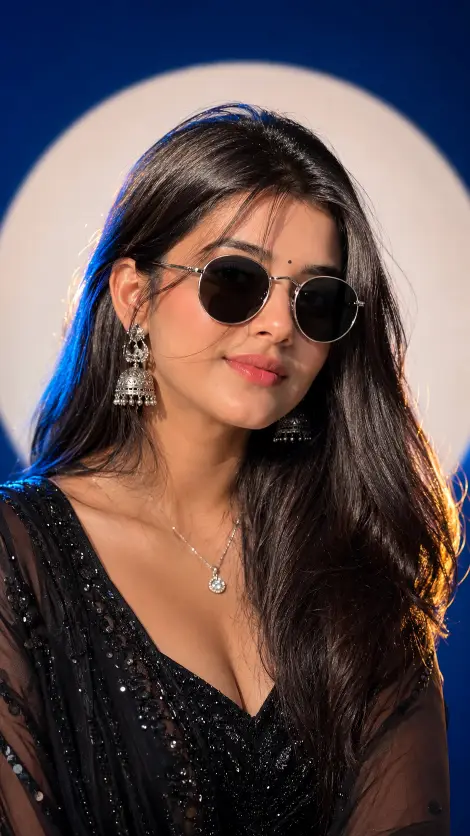
How to Use This Blue Studio Premium Portrait Prompt
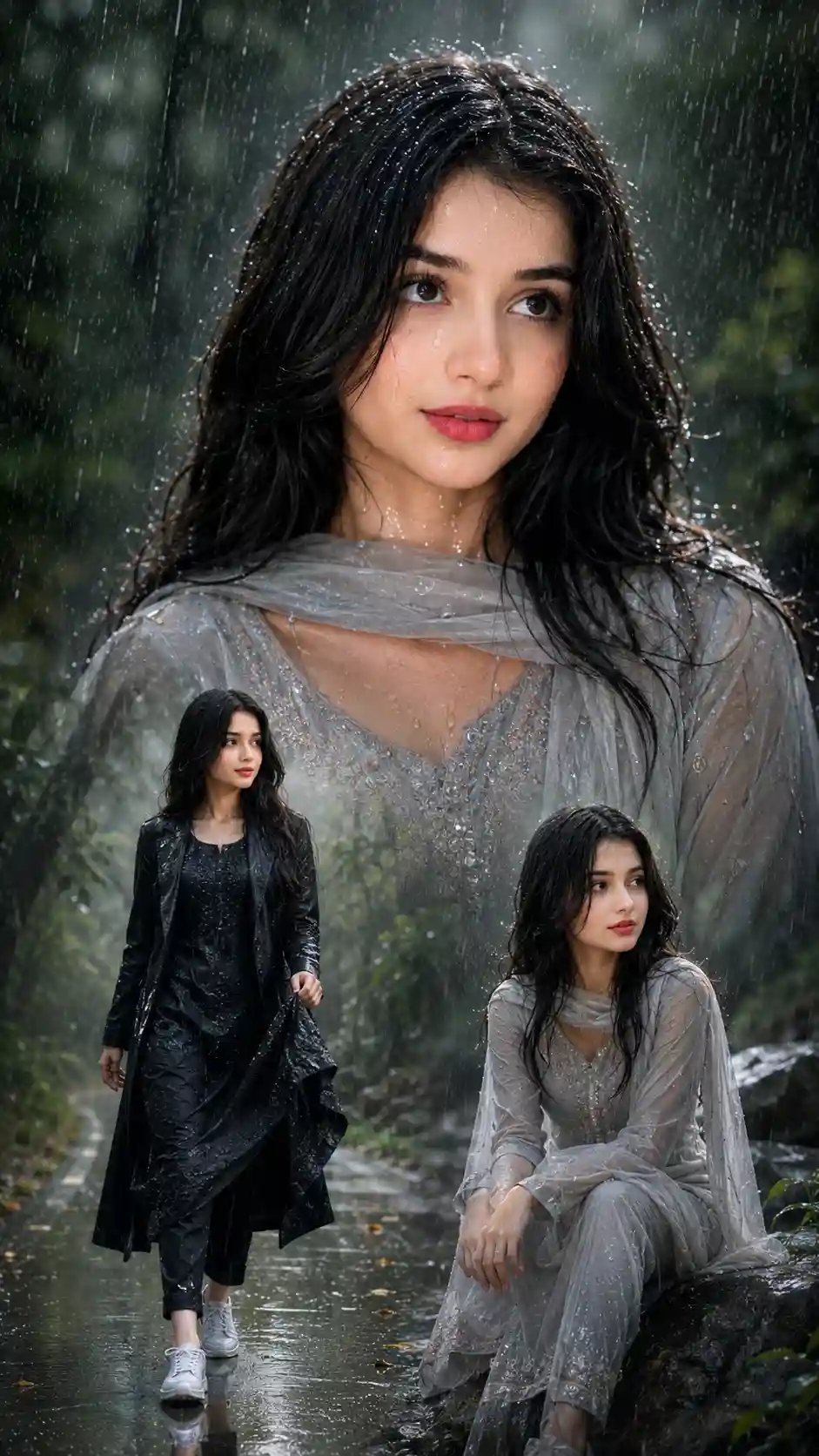
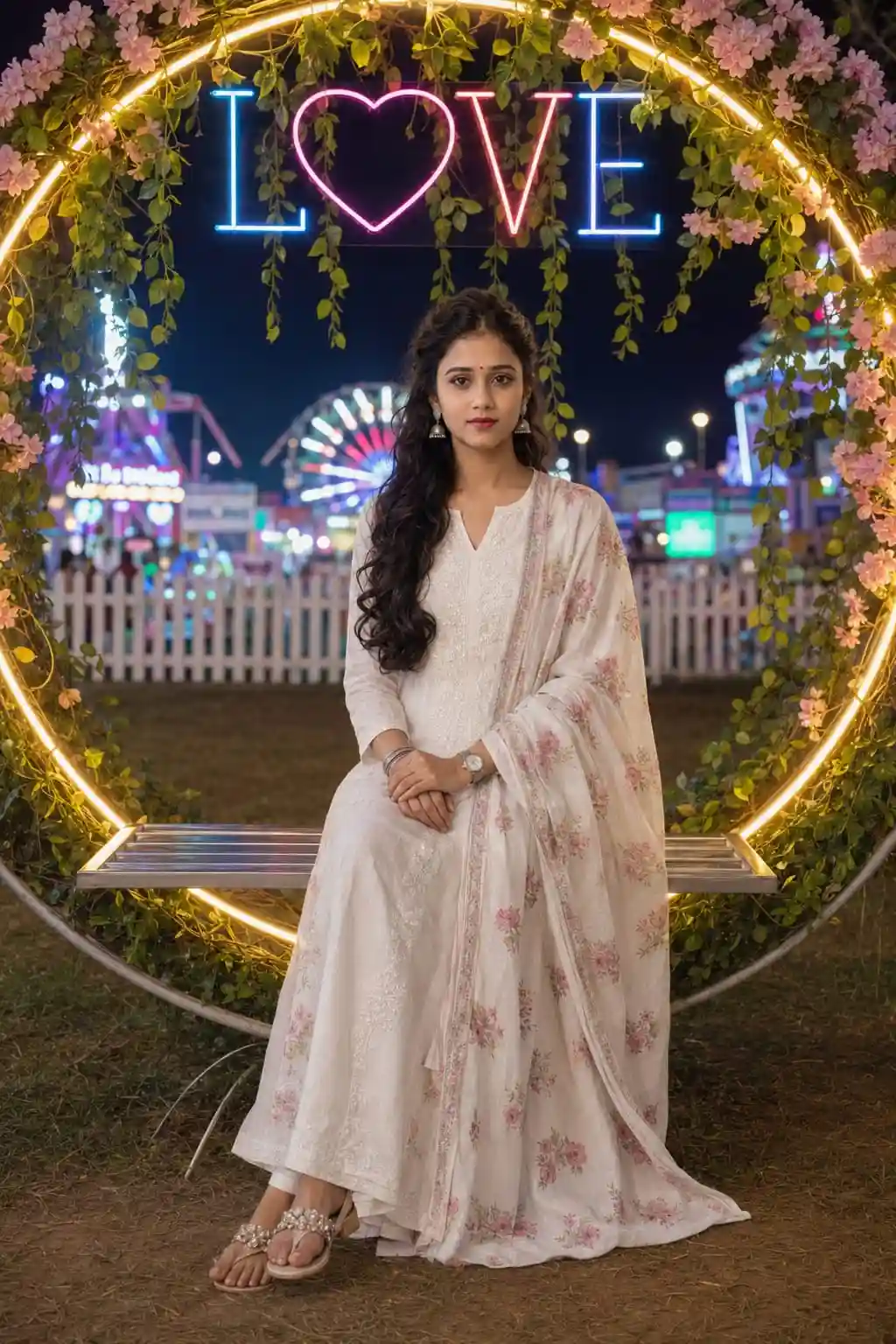
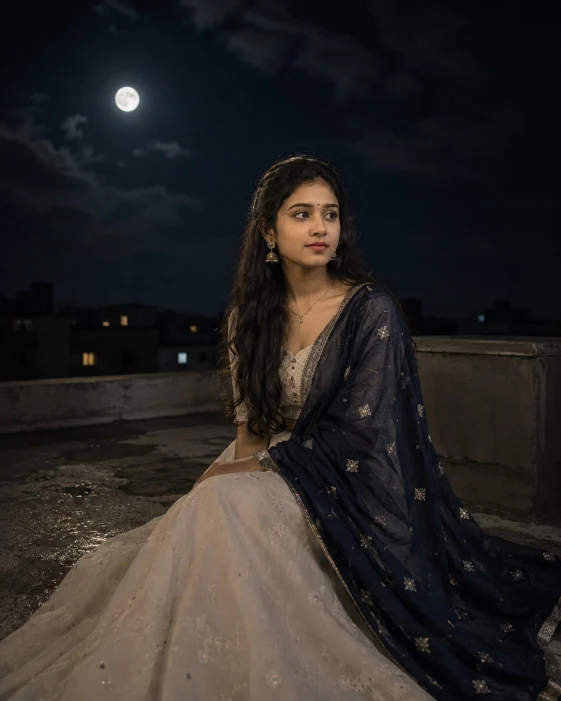
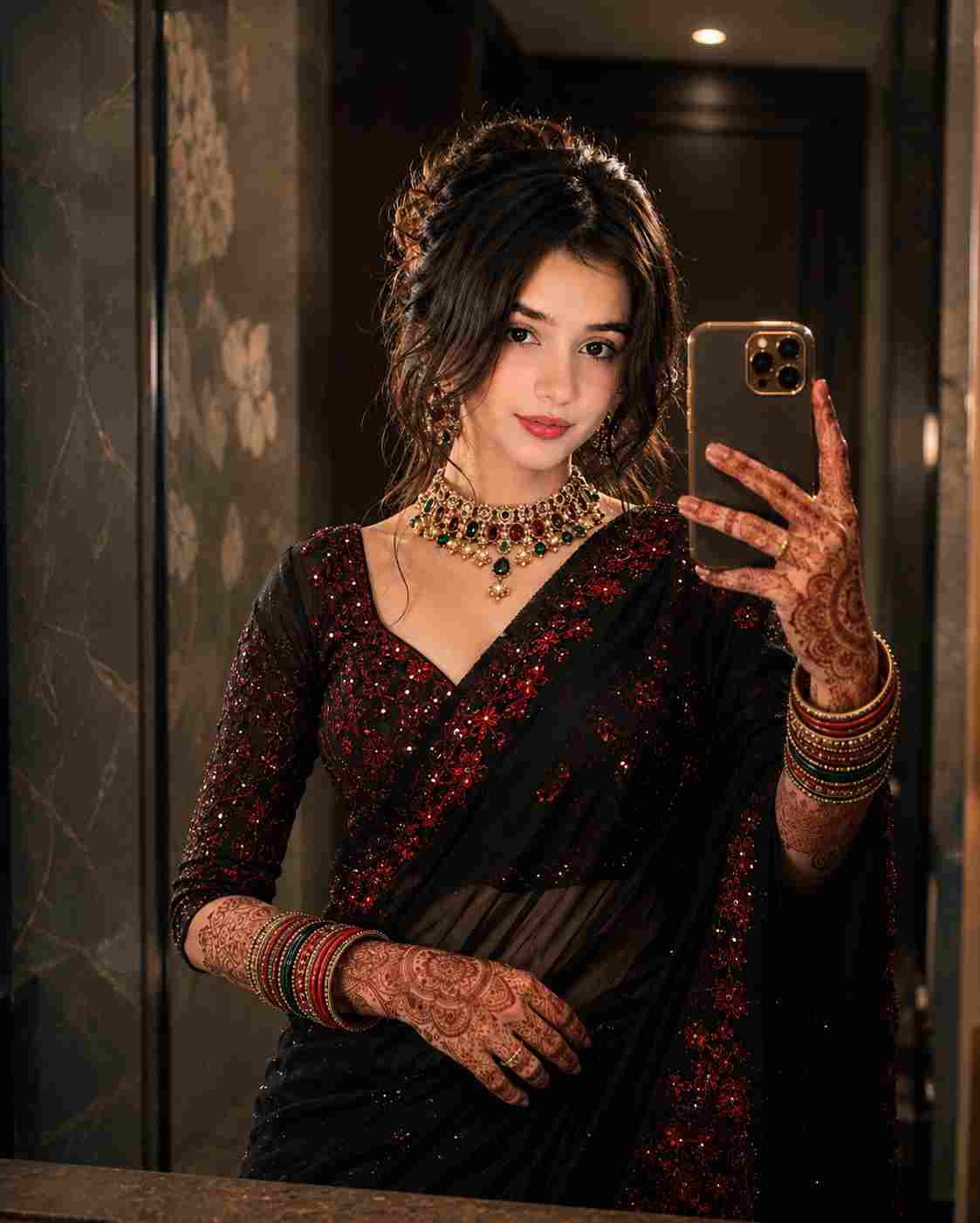
This prompt is specially designed to generate a luxury cinematic studio portrait with strict identity preservation. It recreates the uploaded person's face exactly while placing them in a premium fashion studio environment with professional lighting and editorial styling.
Step 1: Open an AI Image Generator
Use an AI image model that supports image references, such as ChatGPT (GPT Image), Gemini, Flux, Midjourney, or Nano Banana.
Step 2: Upload Your Reference Image
Upload one clear, high-quality front-facing photo of the woman. The AI will use this image as the only identity reference, preserving the exact facial features, hairstyle, skin tone, and body proportions.
Step 3: Paste the Prompt
Copy the entire prompt and paste it into the prompt box. Since the prompt already includes identity preservation, camera settings, outfit, lighting, and styling instructions, no additional edits are required.
Step 4: Generate the Portrait
Click Generate. The AI will create a cinematic fashion portrait while keeping the person's identity unchanged.
What This Prompt Creates
This prompt generates:
A luxury blue studio portrait
Strict facial identity preservation
Premium round silver-frame sunglasses
Elegant black evening gown or black sequin designer outfit
Deep royal blue studio background
White circular halo spotlight
Professional fashion studio lighting
Soft cinematic shadows
Ultra-realistic skin texture
Editorial magazine-style composition
DSLR 85mm portrait look
9:16 vertical composition
16K ultra-high-quality output
Why This Prompt Produces Better Results
Instead of giving only a basic description, this prompt specifies every important detail, including:
Exact facial identity preservation
Camera composition
Lens simulation
Lighting setup
Background design
Fashion styling
Hair and makeup
Accessories
Facial expression
Image quality
These detailed instructions help the AI produce highly realistic, professional-quality portraits with consistent results.
Tips for Best Results
Use a sharp, well-lit reference photo.
Avoid blurry or low-resolution images.
Generate multiple versions and select the best result.
If supported, use a high-quality generation mode for maximum detail.
Keep the identity preservation section unchanged to maintain the person's original appearance.
.webp)
.jpg)